
Clearaccess vs. EasyPass: Which Visitor System Fits Your Estate?
See how Clearaccess and EasyPass handle visitor passes, cancelled invitations, guards without internet, gate records, and estate pricing.
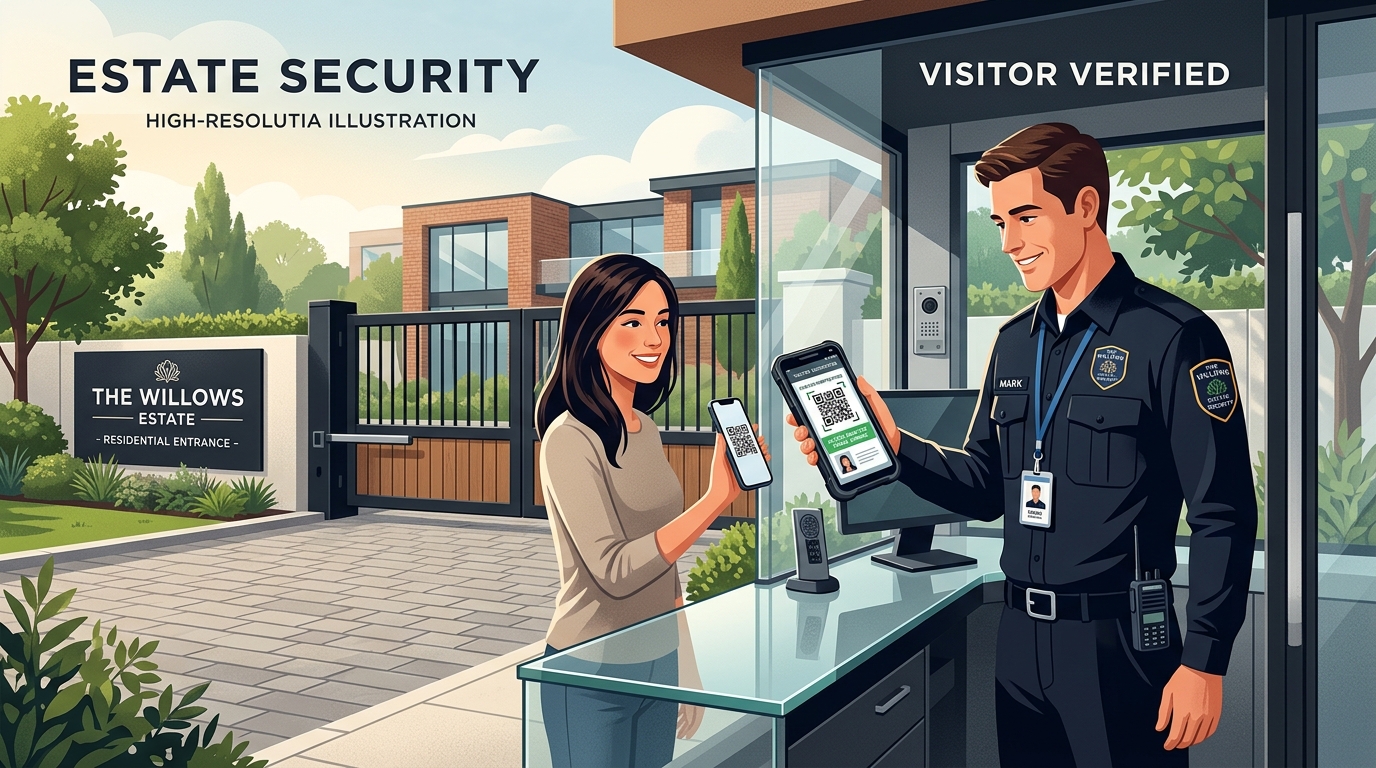
Last checked: 1 October 2026. Check the current plan and the features available for your estate before changing your gate procedure.
Choose the process your guards can rely on
Choose Clearaccess if your committee wants residents to invite visitors, guards to check those invitations, and managers to review gate records. Its published Free plan lists one entrance (called an access point in the plan) and up to 5,000 guest passes a month. Ask for a walkthrough so you know which parts your estate can use before changing the gate routine.
EasyPass covers much of the same job and adds resident tools such as messages and service requests. Its website also says its guards can check signed passes without an internet connection. If offline checks or community features matter to your estate, ask EasyPass to demonstrate them.
Make both providers follow the same visit: a resident sends an invitation, a guard checks it, then a manager finds the record. Repeat with an invitation that was cancelled after it was sent.
Start with the gates and people you have
If your estate has several entrances and guards on rotating shifts, ask both providers to demonstrate what happens when an invited guest arrives at the wrong gate.
A visitor with a valid invitation arrives at the other entrance. The guard needs to know if the pass is valid there and whom to call when it is unclear. The manager needs to see what happened.
Write down how many homes and gates you have, who invites guests, and what guards should do when their phones cannot confirm a pass. Ask both providers to demonstrate that process.
Compare the everyday tasks
| Your question | Clearaccess | EasyPass |
|---|---|---|
| How does a guest get invited? | Residents can issue guest passes; confirm availability for your estate | Its website describes invitations for visitors and events |
| How can a guard check? | Scan a pass's QR code or check it manually; ask to try both in your setup | Its website describes QR-code and numeric checks |
| Can a guard check without internet? | Saved data is limited; stronger offline checks are planned | EasyPass says its app checks signed passes offline |
| What can the manager review? | Ask to see gate visits in your estate account | Its website describes entry and exit records and gate details |
| What can residents do? | Visitor invitations; extra resident services are available only to some estates so far | Its website also describes messages, requests, households, and vehicles |
| Published price | Free, Starter, Pro, and Custom plans | No plan amounts appeared on the pricing page when checked |
Details can change. See Clearaccess pricing and EasyPass and confirm what is available to your estate.
See what happens when a visitor arrives
Ask a resident to send an invitation for the right time and gate. Have a guard check it using the phone or scanner your estate would use. Then ask the manager to find the visit in the records.
Clearaccess offers guest-pass guidance and a guard guide. Ask which steps are ready for your estate. Before training residents, make sure the instructions they will see match the walkthrough.
Ask EasyPass to demonstrate the same visit using your own staff, not only a prepared sales presentation.
Try common problems before choosing
Use a second invitation that expires before arrival. A guard should be able to recognise the reason and know the escalation path. Do not train the team to repeatedly scan an invalid pass until someone gives verbal permission without a record.
Next, cancel an invitation and ask a guard to check it again. Repeat at another entrance if your estate has more than one gate. If the guard’s phone is offline, ask what information is still available and whether it includes the cancellation.
Finally, try a visitor whose phone cannot display the pass clearly. Ask who the guard should call and what details to record. A manual check should still follow the estate’s visitor rules.
Ask both companies to run through the same situations with your residents, guards, and manager. If the guard is unsure what to do, ask which person they should call and how the manager will review the visit later.
Can guards check a pass without internet?
EasyPass says its guard app can check signed visitor passes without an internet connection. Ask it to show a pass at a disconnected gate, one cancelled after the guard’s phone lost connection, and one shown at two entrances. Find out what the guard can and cannot confirm in each case.
Clearaccess can save some information and sync it after the phone reconnects. Stronger checks for residents without internet and safeguards between disconnected gates are still being developed. A guard may not see a recent cancellation while offline. Ask what your estate can use today and agree what the guard should do if a pass cannot be confirmed.
Ask each provider what a guard should do when an invitation appears valid but cannot be checked. Agree who makes that decision and how it is recorded. See Clearaccess's offline guide for its current limits.
Make sure managers can tell which guard checked a pass
The process needs to work for every shift, including when a guard leaves and a replacement starts.
Ask the company to show how a manager can see which guard checked a pass and which entrance they were working at. Have it remove access for a guard who has left, add a replacement, and open a visit that a resident has questioned. Check whether the manager can understand what happened from the record.
EasyPass describes guard IDs, assigned gates, and entry and exit records. Ask to see them during the demonstration. Clearaccess is still developing tools for registering gate scanners and controlling gate sessions, so ask what its current version shows.
Avoid one login shared by every guard if the system can give each person their own account. Otherwise, the manager may not know who checked a pass or changed a record. Ask how many guard accounts are included and what to do if a phone is lost.
Compare the plan and the costs of running it
Clearaccess pricing lists Free at ₦0, Starter at ₦50,000 a month or ₦500,000 a year, and Pro at ₦400,000 a month or ₦4,000,000 a year. Free lists one access point and up to 5,000 visitor passes monthly.
The EasyPass pricing page showed no plan amounts when checked, though it said prices exclude value added tax (VAT). Ask for a current quote and whether the price is per estate, home, gate, or another unit.
Twelve monthly Clearaccess Starter payments total ₦600,000, or ₦100,000 more than the ₦500,000 annual price. This compares Clearaccess billing periods; it does not compare the two providers.
Ask both providers for an annual total that includes VAT, devices, setup, staff training, and support. Compare plans for the same number of homes and gates.
When Clearaccess may suit your estate
Clearaccess may suit you if visitor invitations and gate checks are the first problems you want to fix. The resident guide, guard guide, and manager guide explain what each person does. Read them with the people who will use the system and ask questions during a walkthrough.
The published Free plan gives an eligible estate with one entrance a way to try the service within its pass limit before paying for a larger plan. Confirm the limit, available features, and support for your estate before relying on it.
Clearaccess also explains which stronger offline safeguards are still being developed. If your guards must check passes when there is no internet, ask what works today and agree what staff should do when a pass cannot be confirmed.
Choose based on the job your estate needs done first. EasyPass also offers visitor passes and resident tools, so have both companies demonstrate the same visitor journey before deciding.
When EasyPass deserves the higher weighting
EasyPass's wider resident application can matter if the estate wants access and everyday community interactions in the same adoption programme. Its live site presents messaging, service requests, events, households, and vehicle records alongside gate verification. A committee trying to replace several disconnected channels may value that breadth.
Its advertised offline pass checks may be important if your gates often lose internet access. Ask EasyPass to show what a guard sees after a resident cancels an invitation while the guard’s phone is offline. If this is essential, make the demonstration part of your decision.
Clearaccess is introducing Estate Hub to estates in stages. Ask whether your estate can use it today and request a demonstration of the services included in your plan.
Try the system before changing your gate procedure
Prepare a few sample visits without using residents’ private information. Include a regular guest, an invitation that has expired, one that was cancelled, someone arriving at the wrong gate, and a change of guard. Ask both companies to show the same examples.
Ask a resident, a day guard, a night guard, and a manager to try it. Have each person explain what they understood and where they needed help. Write down any step that was confusing and ask the company to clarify it before you begin.
If you are replacing a system, ask how to keep the visitor records your estate still needs. Tell residents when to stop using the old process and start using the new one. Make sure guards know which list or app to check on the first day. Follow estate onboarding for the Clearaccess starting steps.
Keep the trial at one entrance until residents can send invitations, every guard shift can check them, and the manager can find a visit afterwards. Fix any confusing steps before deciding whether to add more gates.
Agree who handles an unclear pass
Before introducing the system, agree what guards should do when they cannot confirm a visitor. For example, a resident says they sent an invitation but it does not appear on the guard’s screen. Should the guard call the resident, contact a supervisor, or write down the visitor’s details for review?
Give every shift the same instructions. Keep a supervisor’s number near the gate. Decide who checks the record the next morning if a visitor was admitted under an exception.
Try this with day and night guards during the demonstration. The process is easier to use when staff know whom to call and residents know what to do if an invitation fails.
Include the night shift in your trial
Gate work changes when a visitor arrives late or a guard is alone at the entrance. Include a night guard in the demonstration and ask them to complete the same check as the day shift.
Show them how to contact a supervisor and what to do when the visitor’s pass is cancelled or a phone has no connection. Ask the manager to review the record the next morning. If the manager cannot tell what the guard did, agree what extra notes or steps the estate needs.
Invite one resident too. Their instructions should match what the guard sees. Testing with all three people can uncover a gap that a manager-only demonstration misses.
Questions estate committees ask
Does EasyPass work without internet?
EasyPass says its guard app can check signed passes offline. Ask it to demonstrate this with a recently cancelled pass and at more than one gate.
Does Clearaccess do the same thing?
Clearaccess can save some information and sync later, but stronger offline checks are still planned. Ask which offline actions your estate can use today.
How much does EasyPass cost?
Its price page said prices exclude VAT, but no plan amounts were visible when checked. Ask for a current quote for your estate.
What should we see in a demonstration?
Have a resident send an invitation, a guard check it, and the manager look up the visit. Then cancel the invitation and check it again.
Can the software decide who enters?
No. It helps guards check invitations. Your staff follow the estate’s visitor rules and handle cases the system cannot confirm.
Test it with your own gate team
Request a Clearaccess walkthrough with the manager, a resident, and day and night guards. Bring the number of gates, usual visitor volume, and one example of an invitation problem. Or create an account to explore the starting process.
Compare Gate Africa, AccessCode NG, and Venco if they are on your shortlist.
Keep exploring.
Continue with field guides connected to this topic.
Eliminating Morning Gate Gridlock: How <200ms ANPR and Offline QR Keys Keep Estates Moving
High-speed license plate recognition, sub-200ms barrier verification, and offline edge cryptography solve rush-hour gate congestion without compromising security.
Read the storyModern Estate Living: Why 1-Click WhatsApp Guest Passes Change the Resident Experience
How instant WhatsApp visitor pass generation, scheduled contractor hours, and amenity syncing elevate daily convenience for estate homeowners.
Read the storyMulti-Gate Estate Operations: Managing Main Entrances, Service Gates, and Pedestrians in One Dashboard
How centralized multi-gate management unifies vehicle barriers, construction entrances, and pedestrian turnstiles into a single real-time dashboard.
Read the story