
5 Access Control Mistakes Estates Should Avoid
The most common gaps in residential estate gate operations, from reusable passes to unclear override rules, and how to fix them.
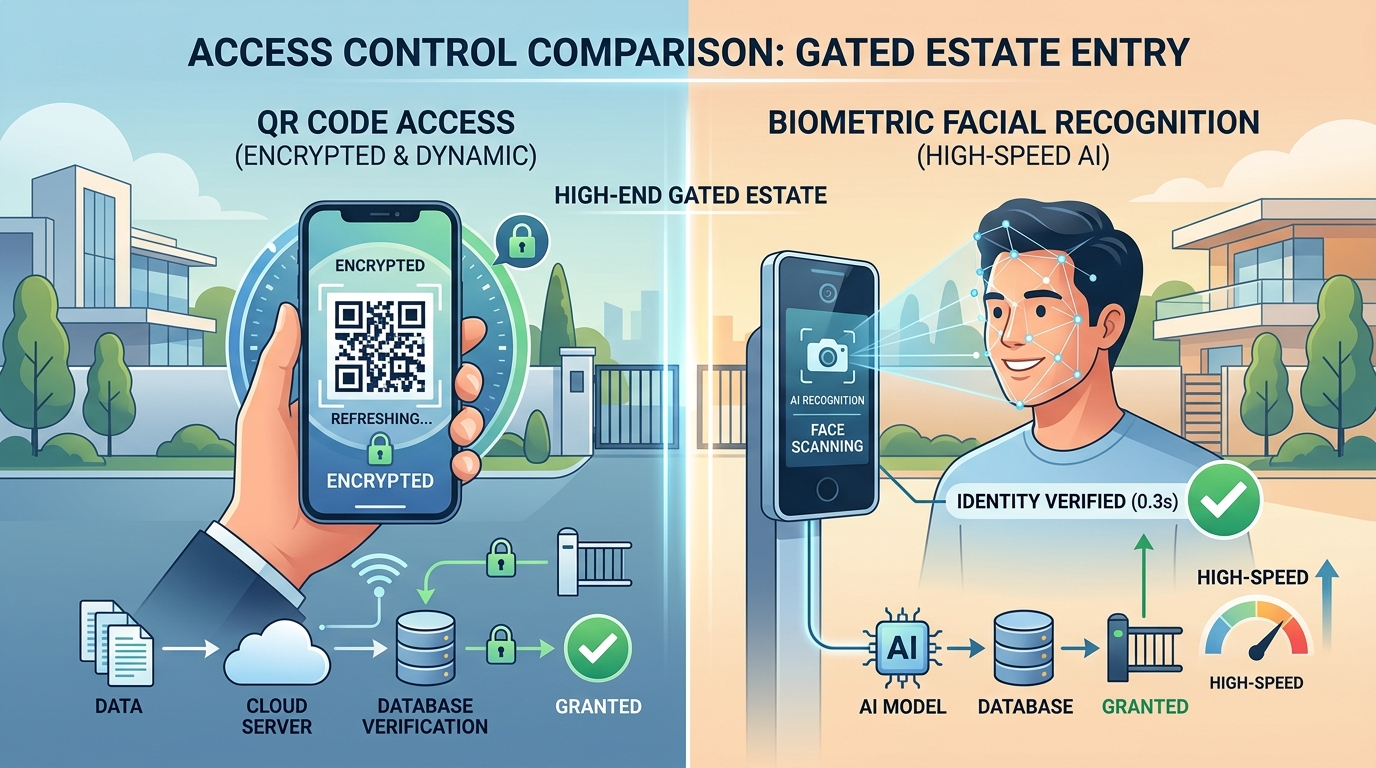
Estate access control is not only about the gate. It is the everyday workflow that connects residents, visitors, gate teams, managers, and estate rules. When that workflow is unclear, even expensive hardware cannot prevent confusion.
Here are five mistakes we see often.
1. Reusable Visitor Credentials
A guest pass should have a clear purpose, time window, and verification history. If passes are copied, reused, or left valid for too long, the estate loses control over visitor entry.
The fix: Use time-bound guest passes that become invalid after use, expiry, or manager cancellation.
2. Paper Records Without Accountability
Handwritten ledgers are easy to lose, hard to search, and difficult to trust during a dispute.
The fix: Create gate records that capture the resident, visitor, access point, verification result, and gate-team user.
3. Unclear Manager Overrides
Gate teams should not have to invent policy during a queue. If a guest pass fails, the screen should make the next step obvious.
The fix: Define override rules for owners and managers, then keep gate-team views focused on verification outcomes.
4. Treating Every Apartment the Same
Apartments can have different dues status, resident assignments, visitor policies, and shared-space permissions. A flat access model creates avoidable disputes.
The fix: Link guest-pass permissions and restrictions to apartment profiles and estate policy.
5. Launching Hardware Before the Workflow Works
Readers, barriers, and cameras are useful, but they cannot repair a broken resident or gate-team workflow.
The fix: Start software-first. Prove first guest pass, gate verification, and manager visibility before adding expansion hardware.
Summary
The best estate access systems are consistent. Residents know how to issue a pass, gate teams know how to verify it, and managers can review the record when something needs attention.
Keep exploring.
Continue with field guides connected to this topic.
Cloud vs. Local Access Control for Estates
How estate managers can compare cloud-managed, offline-ready access control with traditional local gate systems.
Read the storyResident-Issued Guest Passes: A Practical Playbook
How estates can let residents invite visitors while keeping gate-team verification, manager oversight, and estate rules intact.
Read the storyEmergency Access Playbook for Residential Estates
How estates can support urgent visitor entry, emergency teams, and manager overrides without weakening everyday access policy.
Read the story